The Principle
Batching email into two or three dedicated windows per day reduces daily stress and distraction without reducing productivity — the central finding of Kushlev and Dunn's 2015 RCT at the University of British Columbia. The mechanism is task-switching reduction: continuous email monitoring produces dozens of micro-interruptions across the day, each requiring a context switch and generating attention residue. Batching converts those dozens of switches into two or three.
Email is open in a tab in the background. You're not actively checking it - but you're aware of it. Every few minutes, without quite deciding to, you glance over. A new message has arrived. You read the subject line. You might read the email. You might not reply yet, but now you're thinking about it. You return to your work carrying that thought with you.
Kushlev and Dunn's participants reported checking email an average of 15.48 times per day at baseline — and that figure is consistent with other studies. Separately, research on knowledge worker time allocation suggests professionals lose approximately 28% of their workweek to email-related activity. Each check is a task switch. Each task switch has a cost. Kushlev and Dunn ran a controlled experiment where participants limited email to three times per day - and found meaningful reductions in both daily stress and distraction compared to unlimited checking. The content of the emails didn't change. Only the pattern of access did. That pattern is the intervention.

Definition
Most people check email far more often than they need to - about 15 times per day on average. Batching email into a few dedicated windows reduces the constant micro-interruptions that fragment your focus and elevate your stress throughout the day.
What The Research Shows
Kushlev & Dunn (2015) conducted a within-subjects RCT (N = 124): participants checked email an average of 15.48 times per day at baseline. Limiting to 3×/day reduced daily stress (d = 0.45) and distraction (d = 0.51) compared to unlimited checking, with no significant difference in productivity. This is the strongest experimental evidence for email batching.
Mark, Voida & Cardello (2012) found workers cut off from email for 5 days showed lower task switching and lower physiological stress via heart rate variability. Mark et al. (2016) found email batching was associated with higher perceived productivity but not lower stress in an observational design. Fitz et al. (2019) extended the batching principle to all smartphone notifications. Limitation: Kushlev & Dunn had a relatively small sample and short duration.
Blank et al. (2020) found in a lab experiment that participants exposed to continual email interruptions experienced significantly more negative emotions during task completion than those who received emails in a single batch. This extends the Kushlev & Dunn finding from self-reported stress to in-the-moment emotional state during work itself.

What This Means
Limiting email to three dedicated windows per day reduces daily stress and distraction by meaningful amounts in controlled experiments. The content of the emails does not change - only the pattern of access, and that pattern is what drives the stress.
What Most People Get Wrong
Continuous email monitoring feels like responsiveness.
Research on actual outcomes finds that it primarily increases stress and distraction without meaningfully improving response quality or speed. The important emails are rarely so urgent that a 2-3 hour response window is inadequate. The ones that feel urgent in the moment usually are not.
When it Fails…
Near-real-time responsiveness roles can't batch. Customer support, executive assistants, and crisis management require response times that batching cannot accommodate.
Cultural norms can override individual practice. If your organisation expects rapid email response, personal batching creates social friction regardless of the research.
What This Means For You…
Continuous email checking is one of the most normalised and costly habits in modern knowledge work. It feels responsive. It feels like staying on top of things. What it actually does is fragment your attention into dozens of micro-interruptions across the day, each one triggering a context switch and a small residue of thought that persists into whatever you were doing. Batching email into two or three dedicated windows - and keeping it closed the rest of the time - doesn't make you less responsive in any meaningful way. It makes you significantly more focused during the hours that matter.
How Aftertone Implements It.
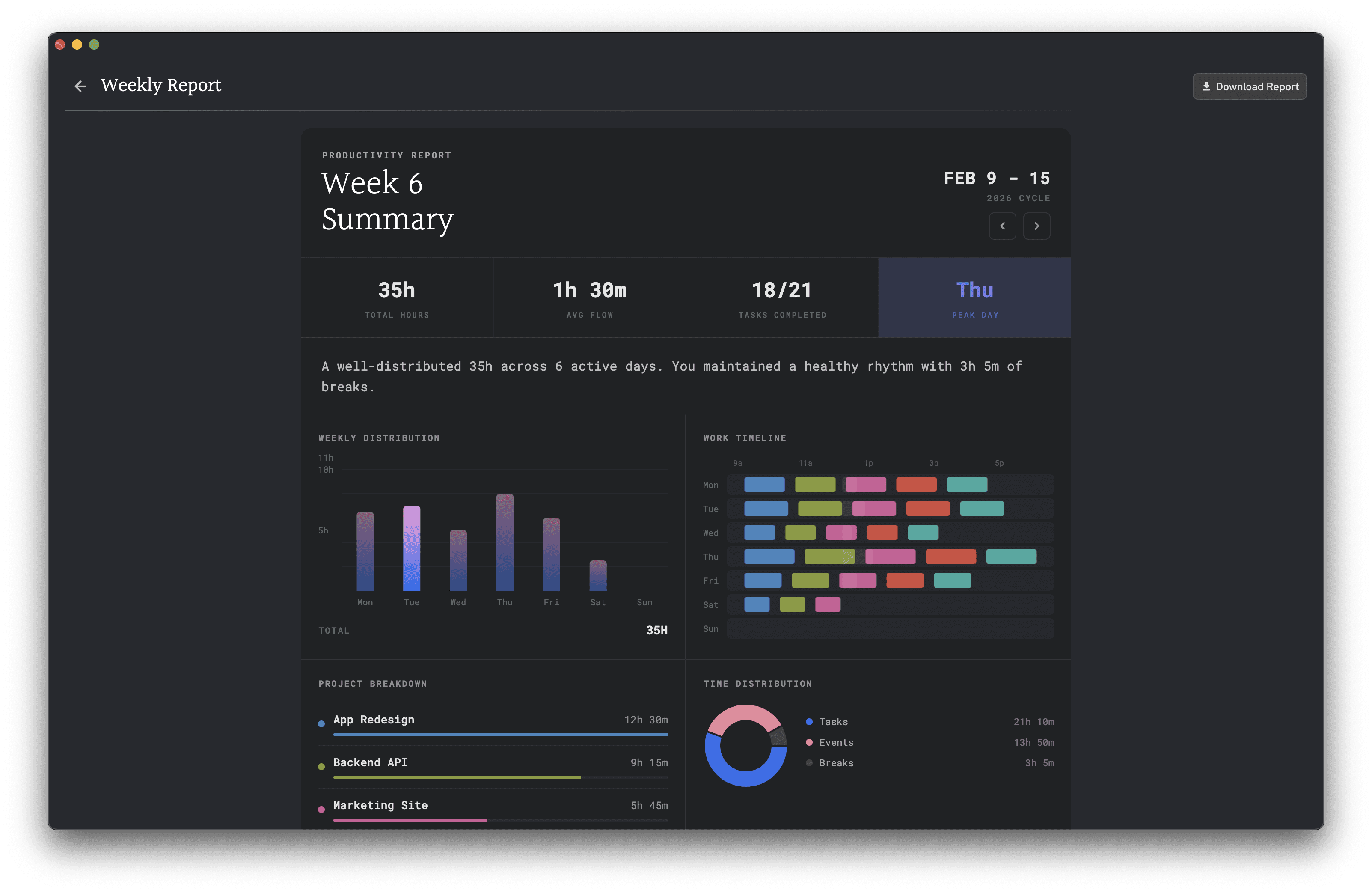
Aftertone distinguishes between tasks, slots, and events. A slot is protected time for a category of work without a specific task attached - "email processing" or "messages" as a dedicated block. Creating a daily email slot on the calendar and treating it as a committed time block means communication is contained to a specific window rather than distributed across the day.
How To Start Tomorrow
Tomorrow, close your email completely and only open it at three specific times - morning, midday, and late afternoon. If urgent contact is a concern, let colleagues know in advance or set an out-of-office for the day explaining your response windows. Track how many times you feel the urge to check outside those windows. That urge is the habit. Noticing it is the first step to breaking it.
Related Principles
Notification Distraction - email notifications are a primary source of passive distraction
Task Switching Costs - each email check forces a context switch
Interruption Recovery - email checking triggers the full interruption-recovery cycle
Deep Work / Protected Focus Blocks - email batching protects focus block integrity
Related Reading
Best Deep Work Apps — Apps that help you protect the time between email sessions so batching becomes possible.
Best Apps to Reduce Meeting Overload — If email batching resonates, meeting batching is the same principle — these tools do both.
Best Productivity Apps for Solopreneurs — Solopreneurs especially benefit from batching — these are the tools built around it.
Context Switching: The Hidden Cost — Email checking is the most common driver of involuntary context switching in knowledge work.
Task Batching Guide — Email batching is the most important application of the broader task batching principle.
Frequently Asked Questions
What is email batching?
Email batching is the practice of designating specific time windows for checking and responding to email — typically two or three times per day — rather than monitoring the inbox continuously. Tasks are grouped into a single session so the context-switching overhead of repeated email interruptions is eliminated.
How does constant email checking affect productivity?
Research by Kushlev and Dunn (2015) found that limiting email checking to three times per day reduced stress and increased focus compared to continuous checking. Continuous checking creates a state of perpetual partial attention — never fully disengaged from potential incoming demands — that degrades the quality of all other work.
How often should you check email if you're batching?
Most research and applied guidance converges on two to three windows per day as an effective starting point for knowledge workers with significant email volume. The specific timing matters less than the consistency: predictable windows allow others to calibrate their expectations, reducing the social pressure to be immediately responsive.
How do I communicate email batching to colleagues?
Two steps work best. First, set an email auto-response stating your response windows ("I check email at 9am, 12pm, and 4pm — if urgent, call or message directly"). This removes the social ambiguity about your availability. Second, tell your immediate team in advance, so they know the expectation rather than experiencing it as unresponsiveness. Research on email telepressure — the felt urgency to respond immediately — shows that most of this pressure is self-generated rather than externally required; communicating your schedule in advance largely resolves the rest.
Does email batching hurt professional relationships?
It does not in practice for most roles — the perception that immediate email response is expected is rarely accurate. Setting an auto-response noting your response windows manages expectations directly. Most email does not require responses within minutes, and the people who need you urgently typically use other channels.
Further Reading
Kushlev, K., & Dunn, E. W. (2015). Checking email less frequently reduces stress. Computers in Human Behavior, 43, 220-228. DOI: 10.1016/j.chb.2014.11.005
Mark, G., Voida, S., & Cardello, A. (2012). A pace not dictated by electrons: An empirical study of work without email. Proceedings of CHI 2012, 555-564. DOI: 10.1145/2207676.2207754
