Aftertone vs Google Calendar (2026)
TL;DR
Aftertone: $30/month. macOS productivity system — tasks, time blocking, Focus Screen, behavioural AI, weekly reports.
Google Calendar: Free. The default calendar for 3 billion+ people. Reliable, cross-platform, integrates with everything. Minimal task management. No focus mode, no behavioural insights.
Key difference: Google Calendar shows you when things are. Aftertone helps you decide what to do and tracks whether you actually did it.
Google Calendar is used by over 3 billion people. It's reliable, it's free, and it works everywhere. If all you need is a place to put meetings, it does that job perfectly well.
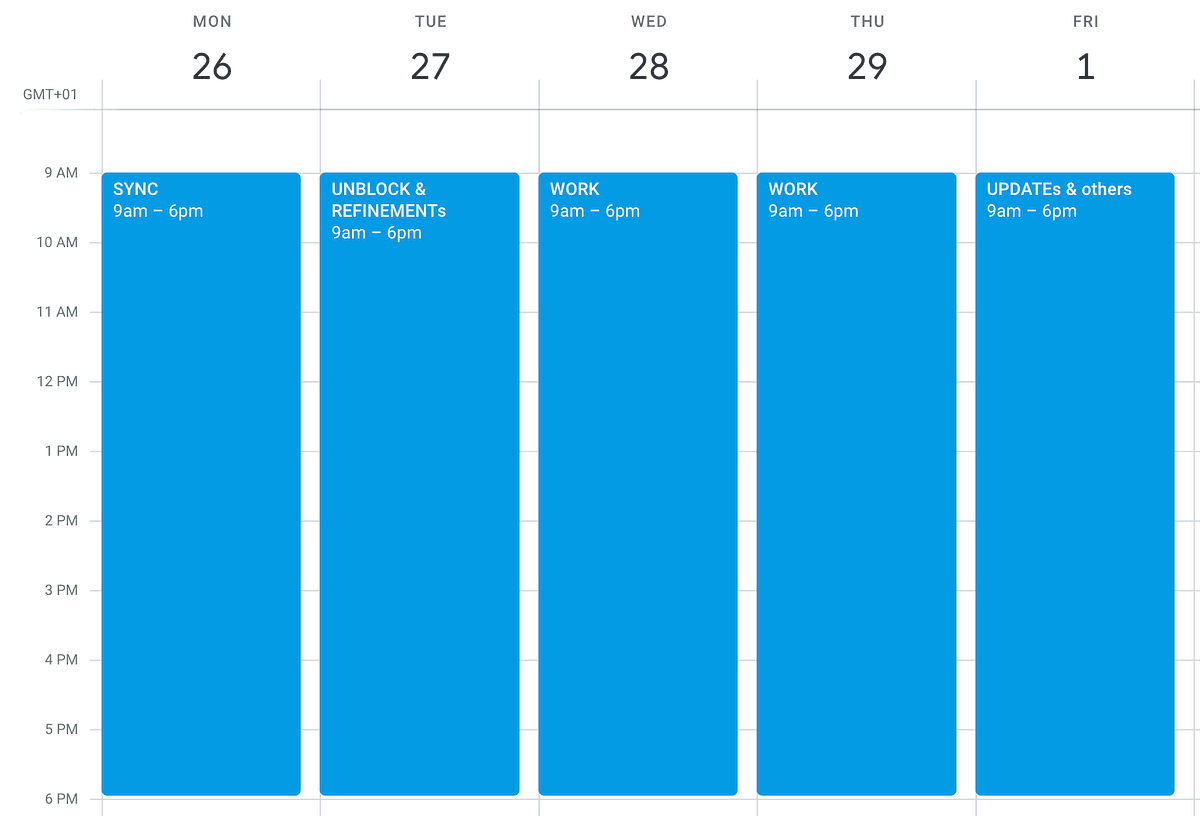
But the moment you try to use it as a productivity system — time blocking your tasks, protecting focus time, tracking whether you actually followed through — it falls apart. You end up creating fake meetings with yourself, colour-coding blocks that nobody enforces, and manually dragging events around when your day inevitably shifts. There's no task management worth mentioning. No AI. No reporting. No way to know if you're getting better or just getting busier.
Google recently added the ability to block time for Tasks and mark yourself as busy. That's progress. But it's still a calendar with a basic task list bolted on, not a productivity system.
Aftertone is that system. Time blocks, native task capture, a Focus Screen that adapts while you work, AI that learns your patterns, and automated weekly reports. It syncs with Google Calendar two-way, so you keep everything you already have — you just add the layer that makes it all actually work.
Side-by-Side
Feature | Aftertone | Google Calendar |
|---|---|---|
Pricing | $30/month | Free (Workspace plans from $7/mo for teams) |
Time blocking | Purpose-built visual time blocks with daily structure | Events or Tasks with time duration (added late 2025) |
Task management | Native — keyboard shortcut capture from anywhere, project tags, filtering, status tracking | Google Tasks — basic list, recently gained time blocking, no projects, no tags, no filtering |
AI | Silent behavioral AI — stalled task detection, time drift, energy patterns, weekly insight reports | Gemini integration for natural language event creation. No behavioral analysis. |
Focus Screen | Context-aware — current task, overdue flags, 1-2-3 shortcuts to pull tasks forward, Auto-Extend, Pause, auto calendar updates | "Focus Time" blocks that auto-decline meetings. No execution environment. |
Weekly reports | Automated, AI-generated, personalised | None |
Calendar sync | Google Calendar, real-time two-way | Is the calendar |
Do Not Disturb | Built into Focus Screen | Available on task time blocks (Workspace accounts) |
Platform | macOS | Web, Android, iOS, desktop (via Workspace) |
Meeting scheduling | Not included | Appointment scheduling built in |
Shared calendars | Via Google Calendar sync | Native — team calendars, room booking, availability sharing |
Automation | AI-driven weekly optimisation suggestions | Limited — no buffer logic, no priority-based auto-scheduling |
Where Aftertone pulls ahead

Time blocking that holds together in practice
Google Calendar lets you create events or task blocks. But when your 10am block runs long and your whole afternoon needs to shift, you're manually dragging everything around. No buffer logic, no auto-adjustment, no awareness of what happened. Aftertone's Focus Screen handles this in real time — finish something early, pull a task forward with a single tap, and your calendar updates. Your plan stays current without you having to rebuild it.
Task management that doesn't require a separate app
Google Tasks gained time blocking in late 2025. That's good. But the task system itself is still a flat list — no projects, no tags, no filtering, no keyboard shortcut capture. Most people who try to run their work from Google Tasks end up pairing it with Todoist, Asana, or a notes app. Aftertone's task management is native. Hit a keyboard shortcut from anywhere on your Mac, type the task, tag it to a project, keep working. No second app needed.
AI that understands how you work
Google Calendar's AI helps you create events with natural language. Useful, but it's input assistance, not insight. Aftertone's AI runs across your entire week — which tasks kept getting pushed, where planned time diverged from actual time, when your energy peaked and dropped. The weekly report turns that into specific recommendations. Google Calendar has no concept of this.
The Focus Screen is an execution environment
Google Calendar's Focus Time creates blocks that auto-decline meetings. Good boundary-setting. But when that block starts, you're still looking at Google Calendar — a grid of coloured rectangles. Aftertone's Focus Screen replaces your view with just the current task. Overdue items surface. Finishing early gives you 1-2-3 options for what's next. Your calendar updates behind the scenes. One protects time on a grid. The other protects your attention while you work.
Weekly reports that create a feedback loop
Google Calendar has no analytics. You can look back at last week and see coloured blocks, but there's no analysis, no pattern recognition. Aftertone generates a weekly insight report that compounds over time — each week builds on the last, creating an improvement cycle that a calendar alone can't provide.
Where Google Calendar is the better fit
It's free and it's everywhere — web, Android, iOS, desktop. If you need a calendar on every device at zero cost, Google Calendar is the obvious choice.
Shared calendars, team scheduling, room booking, and appointment scheduling are all built in. Aftertone doesn't do multi-person coordination.
Google Calendar integrates with virtually every SaaS tool, conferencing platform, and CRM. Aftertone syncs with Google Calendar, giving you indirect access to that ecosystem, but Google Calendar is the native hub. For more alternatives, see the full best Google Calendar alternatives guide.
Who should choose Google Calendar
If you need cross-platform support beyond macOS, Google Calendar may be the better fit today. If you rely heavily on integrations with other tools in your stack, check whether Google Calendar connects to what you use daily. And if Google Calendar's specific approach — its unique features and design philosophy — matches how you prefer to work, it's worth trying.
But if you want a productivity system that goes beyond planning into execution, evaluation, and optimisation — with behavioral AI that learns your patterns and a Focus Screen that protects your attention — Aftertone goes deeper.
Frequently asked questions
Is Google Calendar better than Aftertone?
It depends on what you need. Google Calendar has its own strengths — particularly if you need broader platform support or specific integrations. Aftertone is stronger on execution: its Focus Screen, behavioral AI, and weekly reports create a four-phase productivity system (plan, execute, evaluate, optimise) that most competitors don't attempt.
Does Aftertone work on Windows or Linux?
Not yet. Aftertone is currently macOS-only, built as a native Mac app for performance and deep OS integration. iOS and Android apps are in development. If you need Windows or Linux support today, Google Calendar may be a better short-term choice.
Can I use Aftertone with Google Calendar?
Yes. Aftertone syncs with Google Calendar via two-way sync. Your time blocks, events, and schedule changes appear in both apps. Aftertone adds the productivity layer — tasks, Focus Screen, AI insights — on top of your existing calendar.
How much does Aftertone cost?
Aftertone is $30/month with a 7-day free trial — no card required to start. Every feature is included: Focus Screen, Smart Capture, Smart Zoning, behavioural AI, weekly and daily reports, and unlimited projects.
What if I'm switching from Google Calendar to Aftertone?
Aftertone syncs with Google Calendar, so any events you have there will appear automatically. For tasks, you'll need to recreate them in Aftertone — but the keyboard shortcut capture makes this fast. Most users are fully set up within a day.
Related reading
For more context on how Aftertone compares in the broader productivity landscape, see Best Mac Calendar Apps for Time Blocking (2026) and Productivity Methods Compared.
Bottom line
Google Calendar is the world's default calendar. Aftertone isn't trying to replace it — it syncs with it. What Aftertone adds is the system that turns a calendar into something that actually improves how you work: purpose-built time blocks, native task capture, a Focus Screen that adapts to your attention, AI that learns your patterns, and weekly reports that help you get better. If you've been creating fake meetings with yourself and colour-coding blocks that nobody enforces, you already know you need something more. Try Aftertone free at aftertone.io.
